

What’s New in Substack Pro Studio
A lot of progress in last 2 weeks of the 2025 - here is version 1.0.33

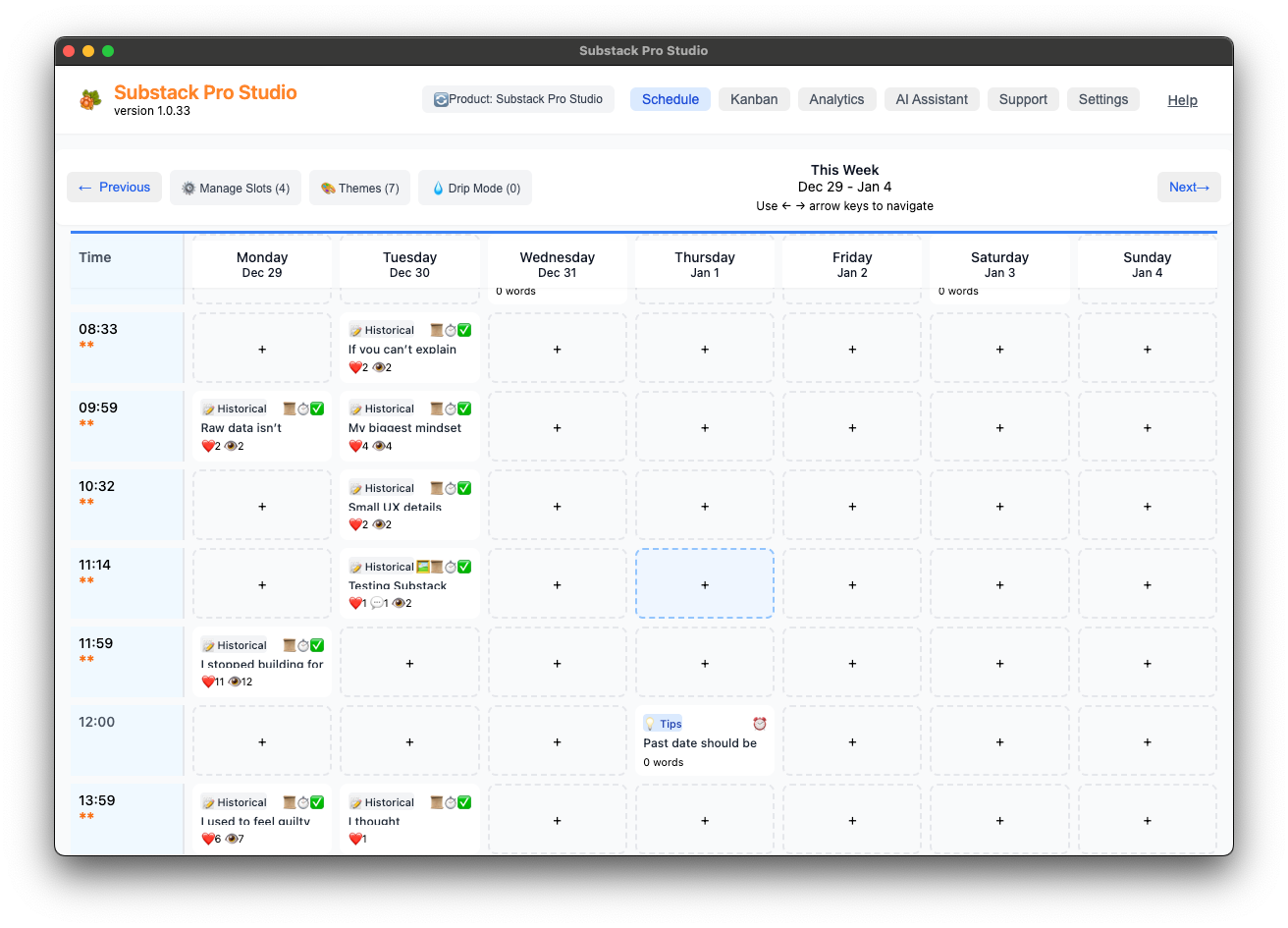
I uploaded the latest beta version, 1.0.33, to Gumroad and will send an email notification to existing customers on January 2, 2026, at 5 PM EST.
Please read “20. Upgrades to new versions” before installing this latest upgrade. Remember to back up your Notes using Settings / Export JSON before the upgrade.
Also, if you haven’t done Storage Optimization yet and have over 1,000 Notes with images, now would be a great time to do it. The process takes about 5 - 10 minutes.
It will significantly improve the software's performance and responsiveness.
🖼️ Enhanced CSV Import with Images and Links
Automatically add images and links to your notes during import.
When you include an “ImageLink” or “Link” column in your CSV file, the system will automatically fetch preview images from those URLs and attach them to your notes. If a preview image is available, both the image and the clickable link are added. If no image is found, the link is still added, so you never lose the reference.
You can find Import CSV in the Settings menu.
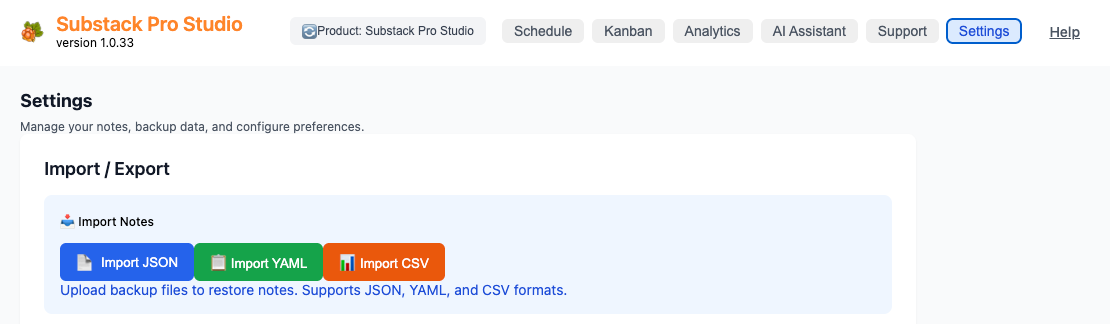
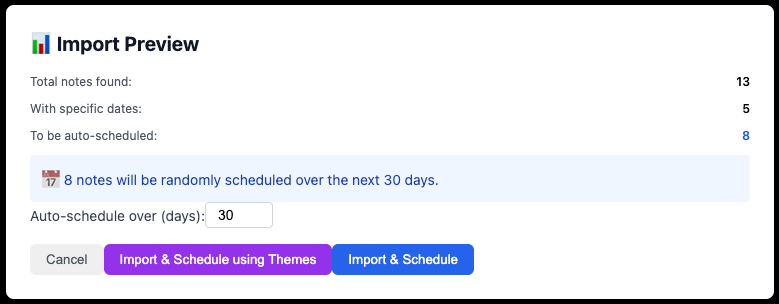
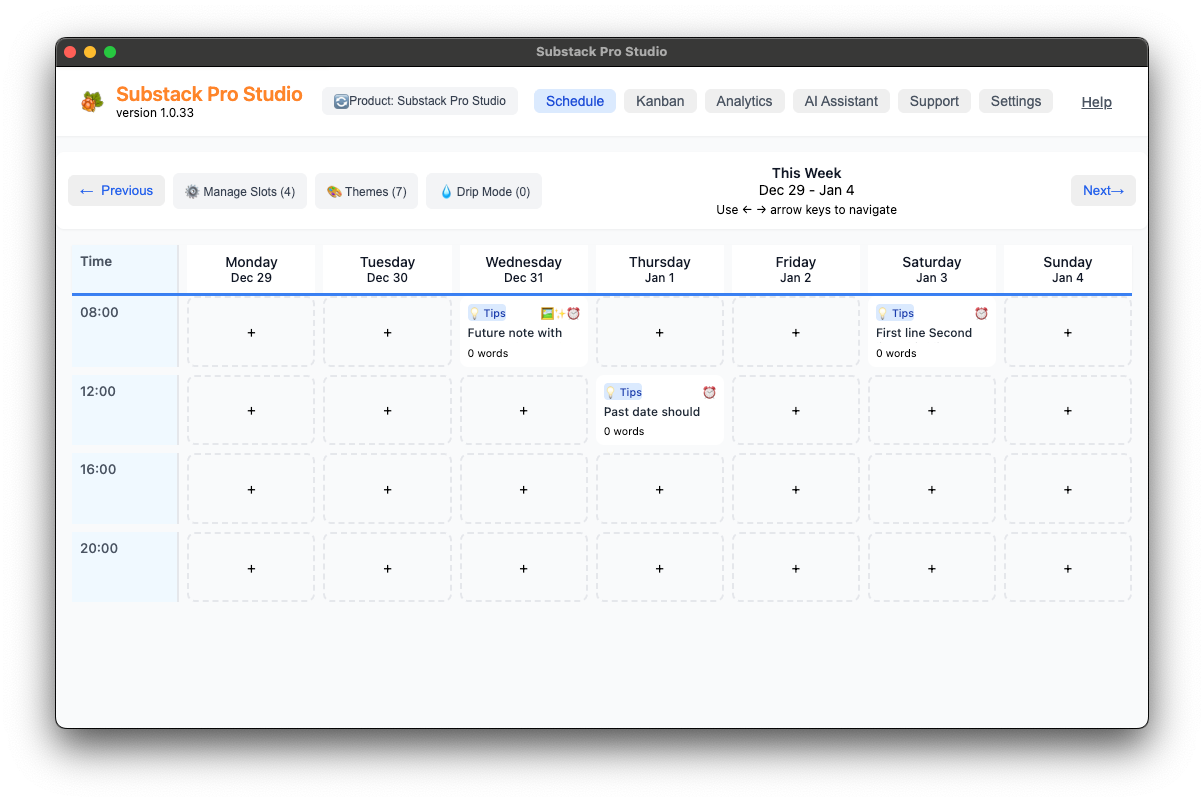
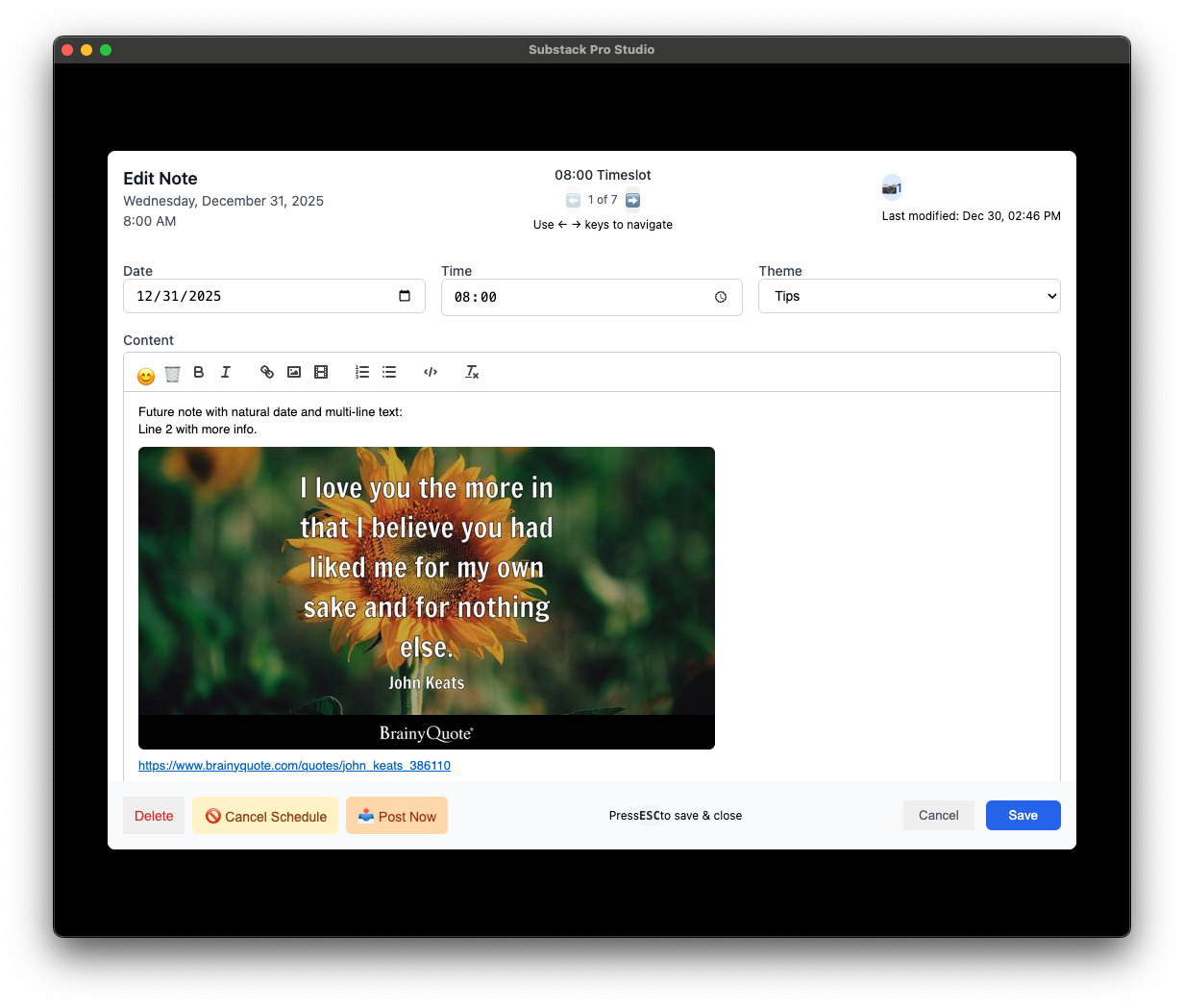
Perfect for curating content - import notes with links to articles, quotes, or other resources and have them automatically enriched with visual previews.
Here is a Google Sheet I used in the beta testing:
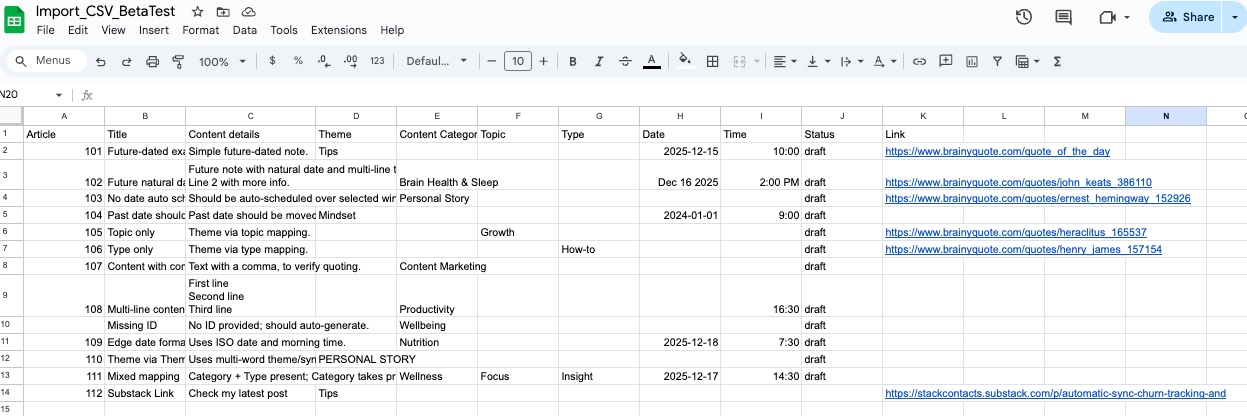
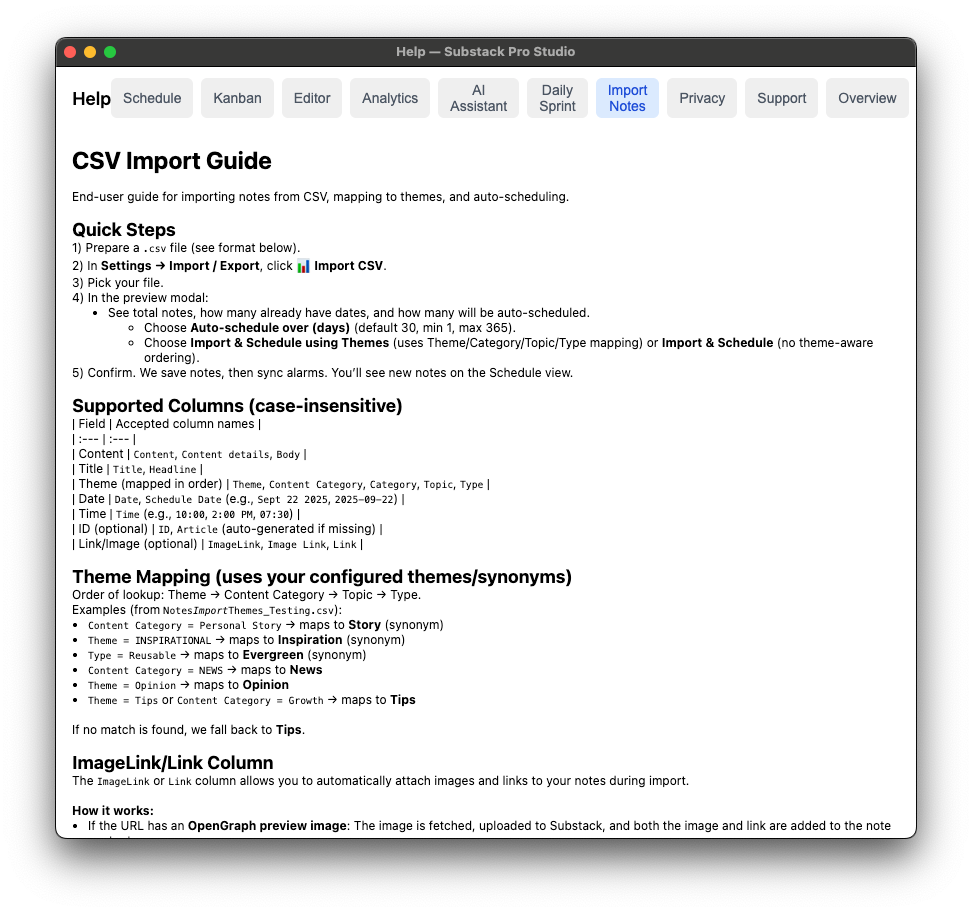
You can find a more detailed CSV Import Guide from the Help / Import Notes menu.
📊 Improved Analytics Bulk Actions
Manage multiple notes at once - In the Analytics / Segment Actions view, the new “Select All” checkbox in each quadrant card header lets you quickly select all visible notes in that category.
Combined with the existing bulk actions, you can now copy, delete, or manage large groups of notes with just a few clicks.
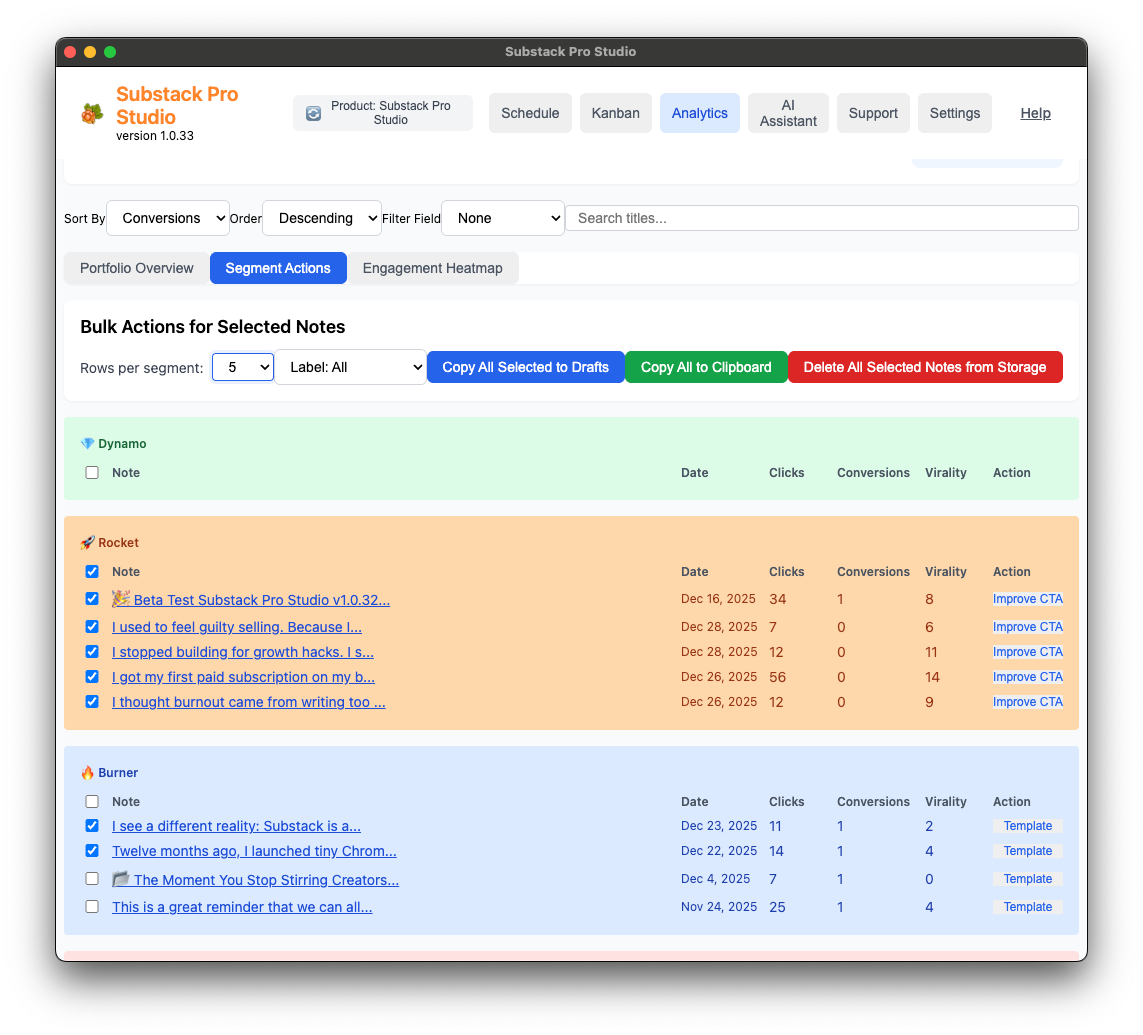
Delete all selected notes at once - new “Delete All Selected Notes from Storage” button makes it easy to clean up your note collection when you need to remove multiple items.
⚡ Smarter Editor Workflow
The editor automatically closes after scheduling. When you successfully schedule a note, the editor now saves the note and closes automatically after 2 seconds, giving you just enough time to see the success message.
Your content is saved automatically so that you can move on to the following note without extra clicks. Thanks Chitra 🦋 Eder for this feature request.
🔄 Better Historical Sync
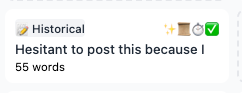
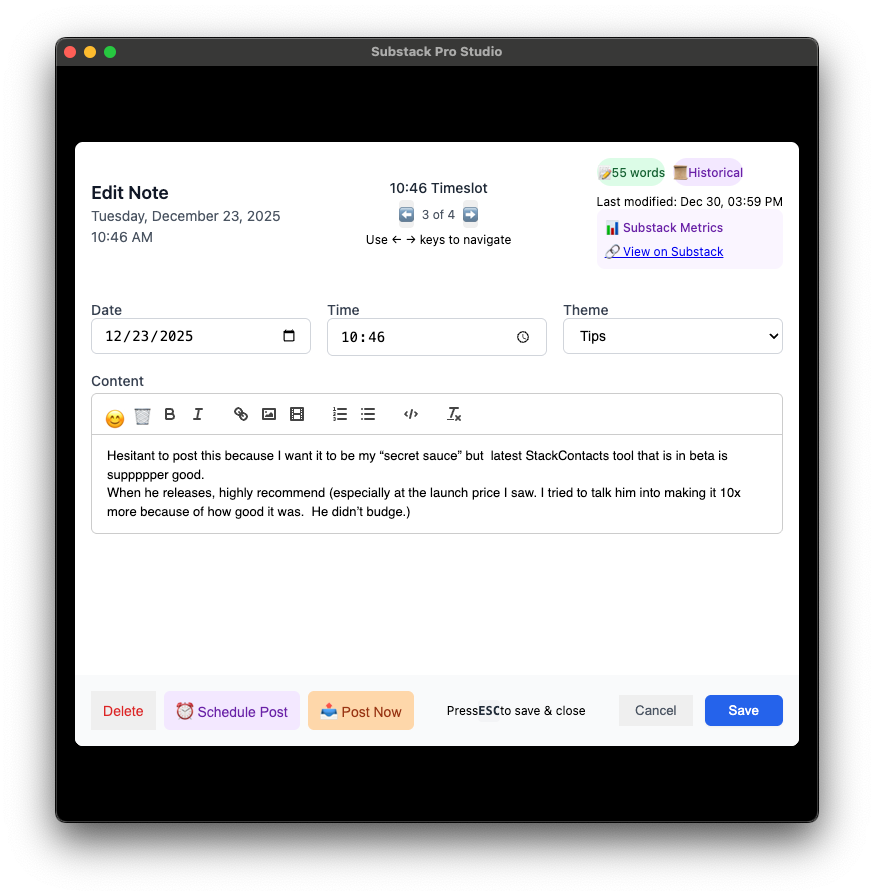
More accurate note details - fixed an issue where historical notes from Substack weren’t syncing correctly. Notes now sync with proper dates, word counts, and all their original details intact.
Word count tracking - all synced notes now include accurate word and character counts, making it easier to track your content metrics.
Support Center
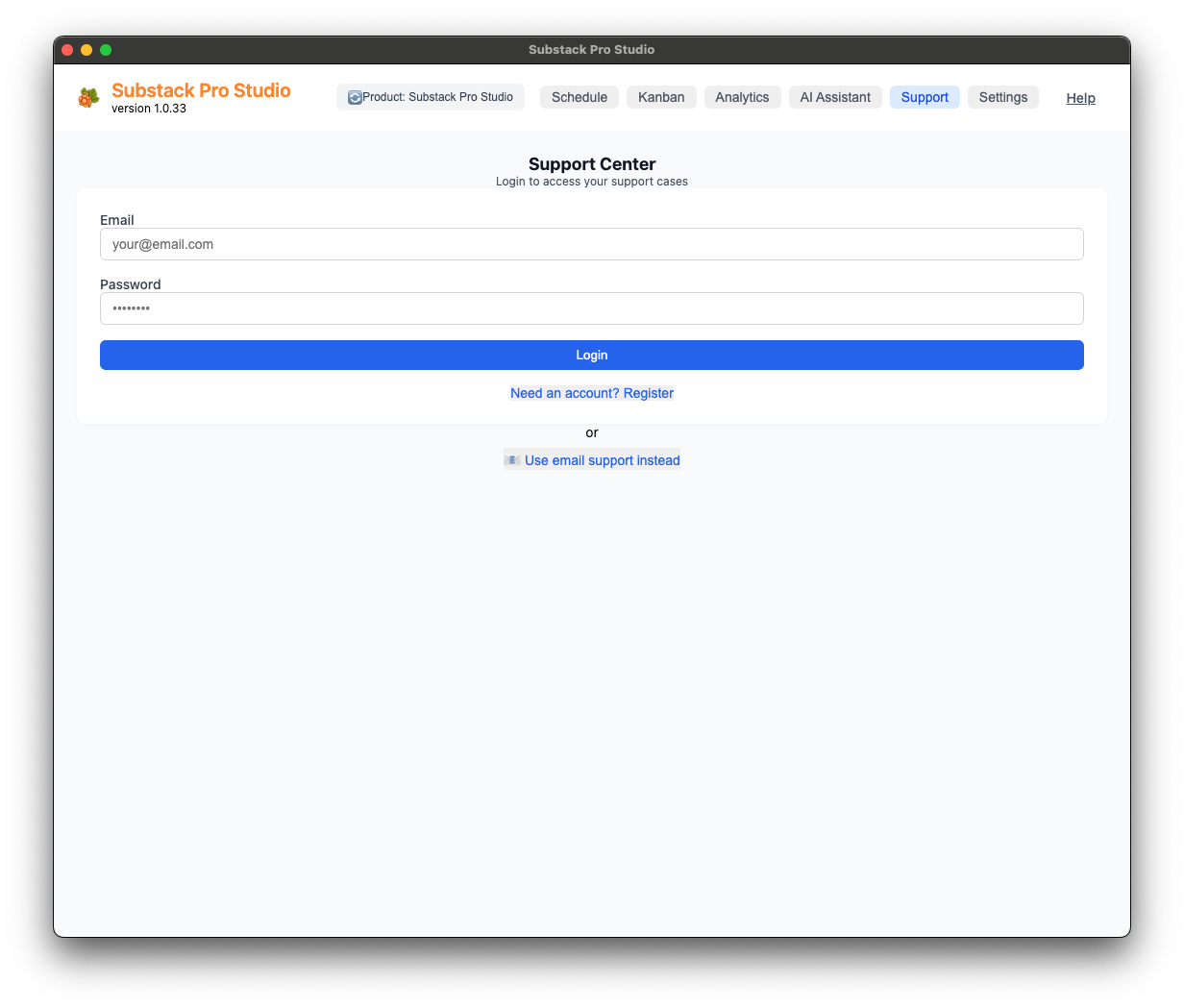
The Support tab gives you access to our new Support Center.
Create an account to get started—once you’re logged in, the app will remember your account until you log out.
This works better than the previous purely email-based support request flow, which remains as a backup option.
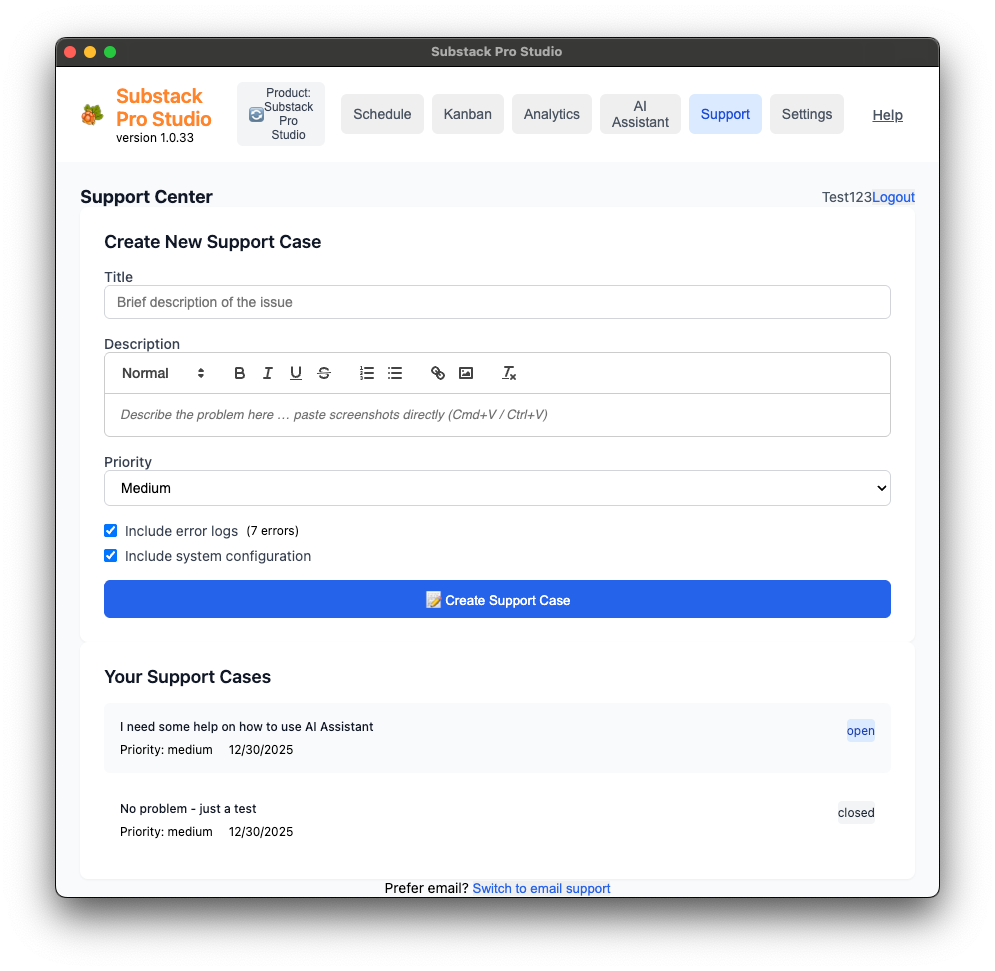
Create a New Support Case
If you encounter a problem, open a new support case to get help.
Required information:
Title: Brief description of the issue
Description: Detailed explanation of the problem. Include screenshots showing where the issue occurs.
Priority: Choose Low, Medium, High, or Urgent (default is Medium)
Include error logs: Check this box to automatically send recent error logs to help troubleshoot
Include system configuration: Check this box to send your software version, Substack URL, username, and other relevant settings
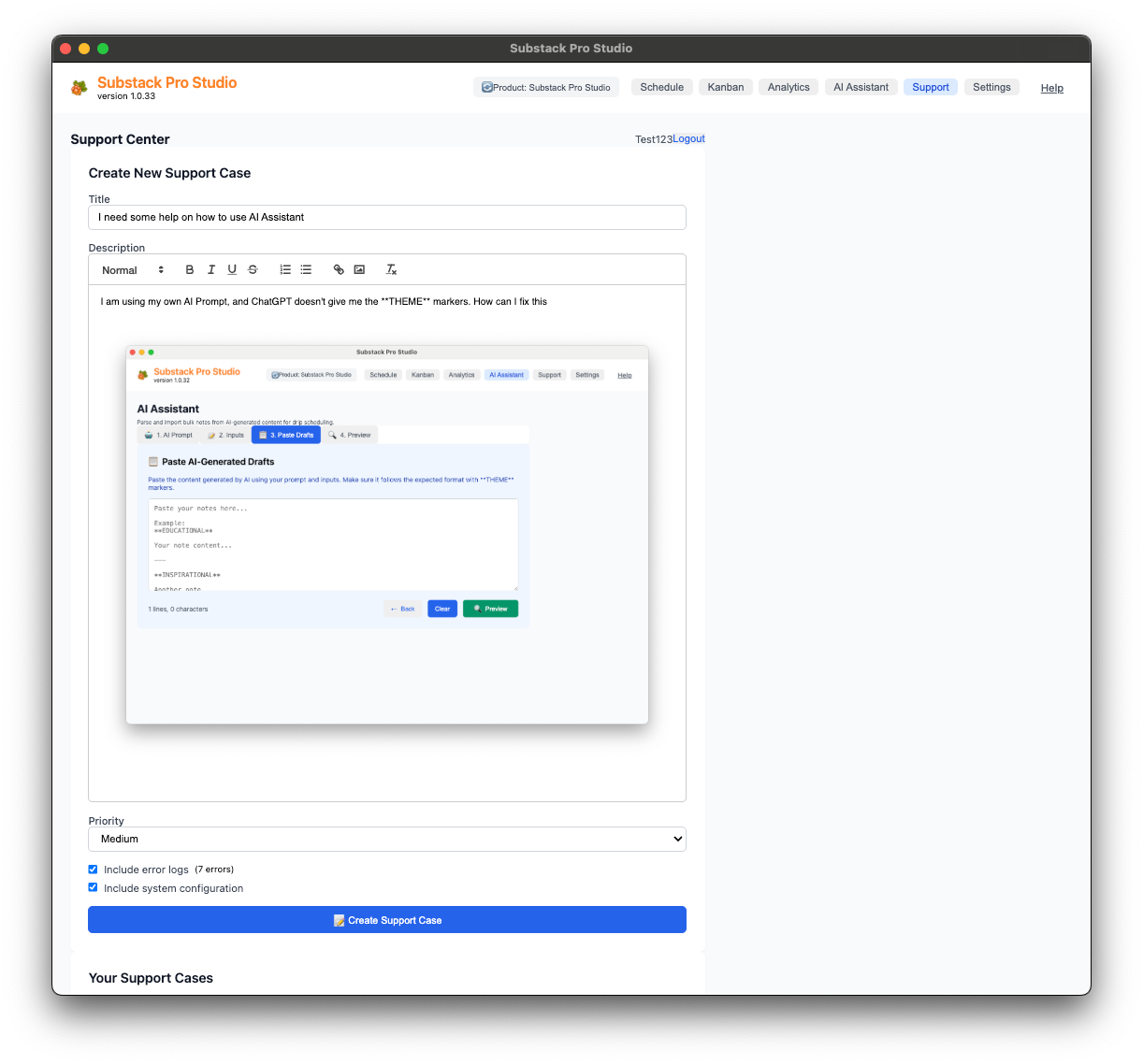
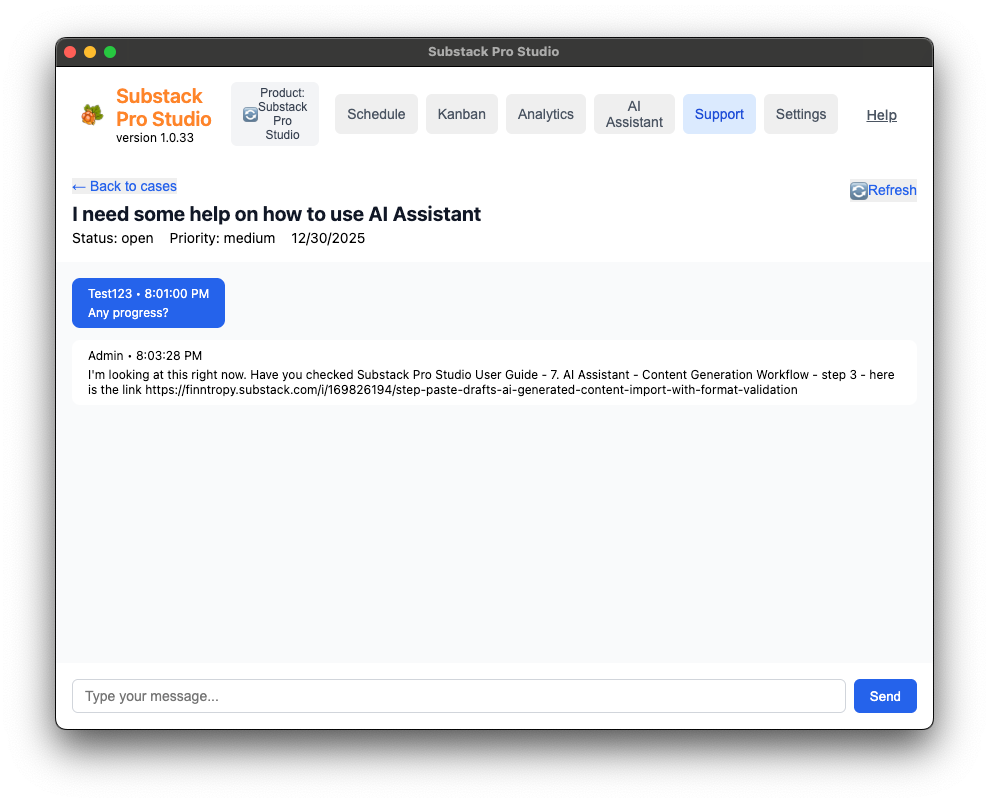
Click “Create Support Case” to open a chat screen. Add messages here and click “Refresh” to see responses from our support team (that’s me 🤣).
Your Support Cases
On the main Support page, you’ll see all your support cases with their current status:
Open: Case is waiting for review
In Progress: Support team (that’s me) is working on it
Resolved: Issue has been fixed
Closed: Case is complete
Click any case to view updates and messages. Remember to click “Refresh” to see the latest responses from our support team.
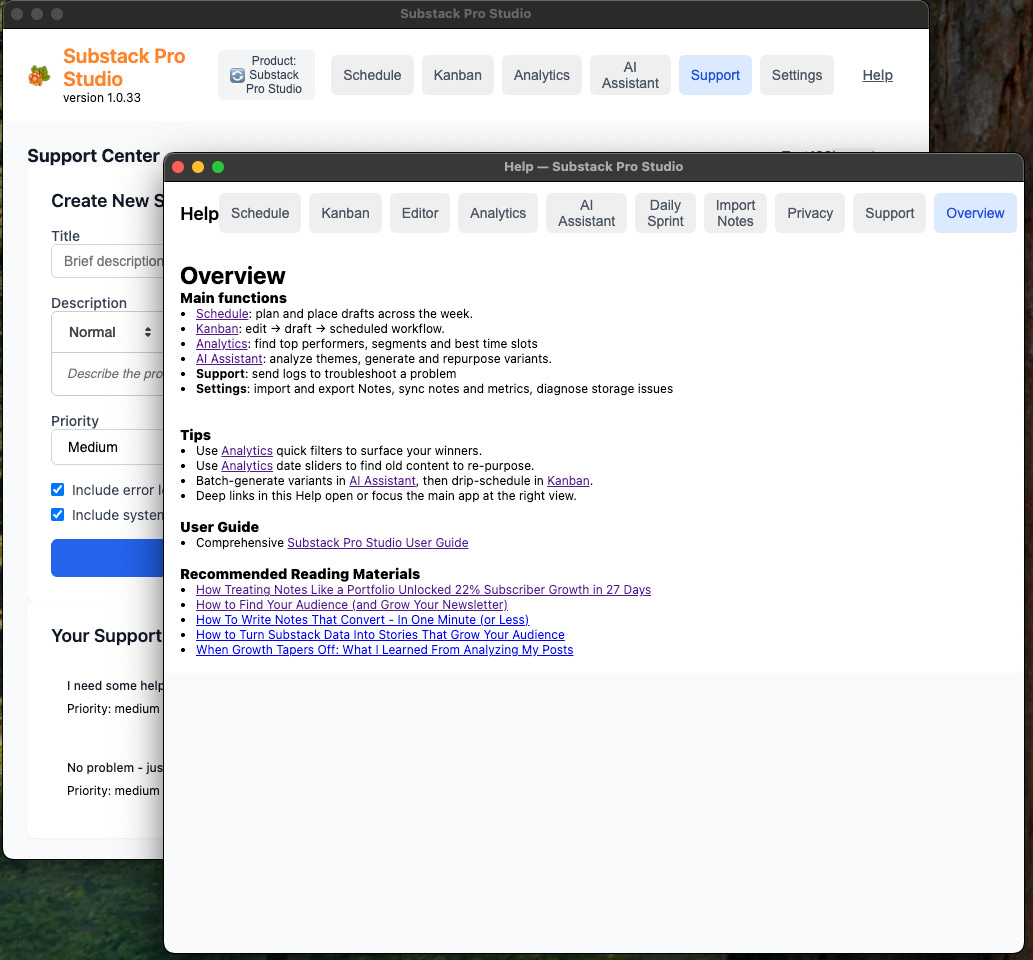
📚 Improved Support Documentation
Easier to find help - support documentation has been rewritten with simpler, more precise language to help you find answers faster when you need them.
Key Benefits:
✅ Import notes with images and links automatically from CSV files
✅ Manage large groups of notes more efficiently with bulk actions
✅ Faster workflow with auto-closing editor after scheduling
✅ More reliable historical note syncing with accurate metadata
✅ Better help documentation for when you need support
Final Thoughts
Over the last 12 months, Substack Pro Studio has evolved from a simple Notes Scheduler to a full-fledged tool for serious Substack creators.
With a theme-based Notes scheduler, Analytics, and AI Assistant, you can now create weeks’ worth of Notes content in just 15 minutes.
What is the one feature that you would like to see? Leave a comment below.
I run into some inconsistencies with the note categories. Specifically color coding my custom categories and having them save week-to-week and display the assigned colors in the week-view scheduling tab.