

Your Best Subscribers Aren't in Your Inbox—They're in Chat
Why Substack DMs beat email on reply rate, who writes back, and how to scale the first message without the spam.

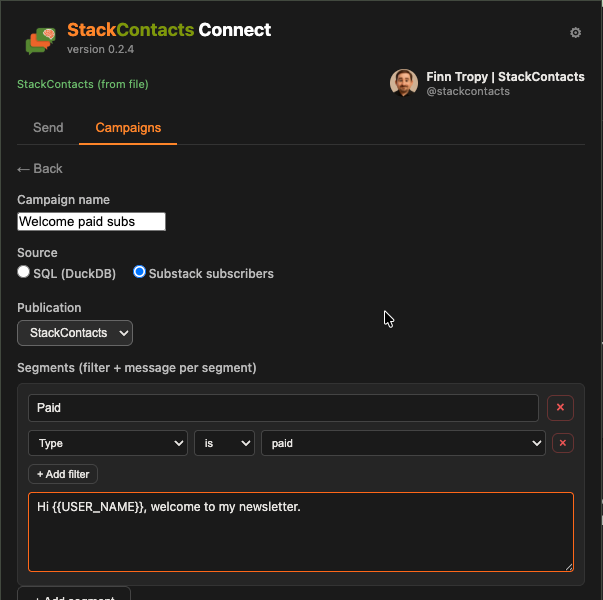
Nearly 2 in 5 new subscribers respond to my welcome DM. Industry benchmarks for outreach are 5–15%—so that number isn’t a fluke, and you can use it.
Last time I shared why I built StackContacts Connect and the early numbers; here’s that post if you missed it. This time: why that reply rate holds up and how to get more of those conversations without the grind or the spam.
This isn’t about replacing your newsletter. It’s about adding a channel for the conversations that turn subscribers into partners and customers.
DMs are relationship infrastructure; email is broadcast.
StackContacts Connect lets you segment your subscriber list and send DMs from one place. The point is: same audience, different channel, different outcome.
Why DMs win on response rate
New subscriber welcome DMs only (“thank you for subscribing”) got 37.9% response (22 replies / 58 sent). Nearly 2 in 5 new subscribers write back. That’s a strong signal for the welcome DM.
When I include other first-contact DMs—like reaching out to post readers with “what brought you here”—the overall rate is 27.4% (20 replies / 73 sent). Still well above industry, but the pure welcome message performs even better.
Industry benchmarks point the same way:
Cold email: typically 3–5% reply (e.g. 5.1% in 2025 benchmarks); top performers with deep personalization 10–15%.
LinkedIn DMs: around 10%+ average (first-degree connections higher; cold email vs LinkedIn DMs often show DMs ahead on reply and meeting conversion).
My Substack welcome-only run at 37.9% sits well above that. Try it and measure your own.
Sources: EngageKit, LinkedIn Response Benchmarks 2025 (cold email 5.1%, LinkedIn DM 10.3%); DoneMaker, Cold Email vs LinkedIn DMs (reply and conversion comparison).
Who’s most likely to reply?
Here’s who actually writes back—and how to target them.
I cross-analyzed my DM responders and non-responders with subscriber engagement data using the StackContacts CRM tool.
Responders had higher engagement before the DM: roughly 2× the email opens, more post views, and far more comments (39.5% had at least one comment vs 5.4% of non-responders). So high engagement predicts reply—segment by “opened recent emails” or “has commented,” and you’re prioritizing people more likely to write back.
A deeper slice (welcome-DM subset) added two more signals. Web engagement was the clearest: responders had seen about 2× more web posts and clicked 2× more links—they weren’t just passive email openers; they were actively browsing. How they found you also mattered: non-responders skewed toward generic Substack discovery (app, recommendations, signup flow); responders skewed toward external referrals, share links, and post embeds. Geography showed up too (e.g., 67% US among responders vs 50% among non-responders). Profile setup and “has a publication” didn’t predict.
Targeting takeaway: Your highest-probability responders are subscribers who’ve already engaged (opens, post views, comments) and, where you can see it, who arrived via a share or referral and have browsed your site. Prioritizing those signals can push your response rate even higher than 37.9%.
Starting a real conversation
Email is one-to-many; DM is one-to-one.
DMs invite back-and-forth, questions, and “I’d love to…” instead of “unsubscribe.”
StackContacts Connect lets you segment and reach the right people—e.g., new signups and recent engagers—so you’re not spamming; you’re starting conversations with people who have already raised their hands.
Campaigns in the latest version of this tool use Substack API filtering: 42 filter columns, AND logic, and a message template per segment. So you can send a different message to each audience segment.
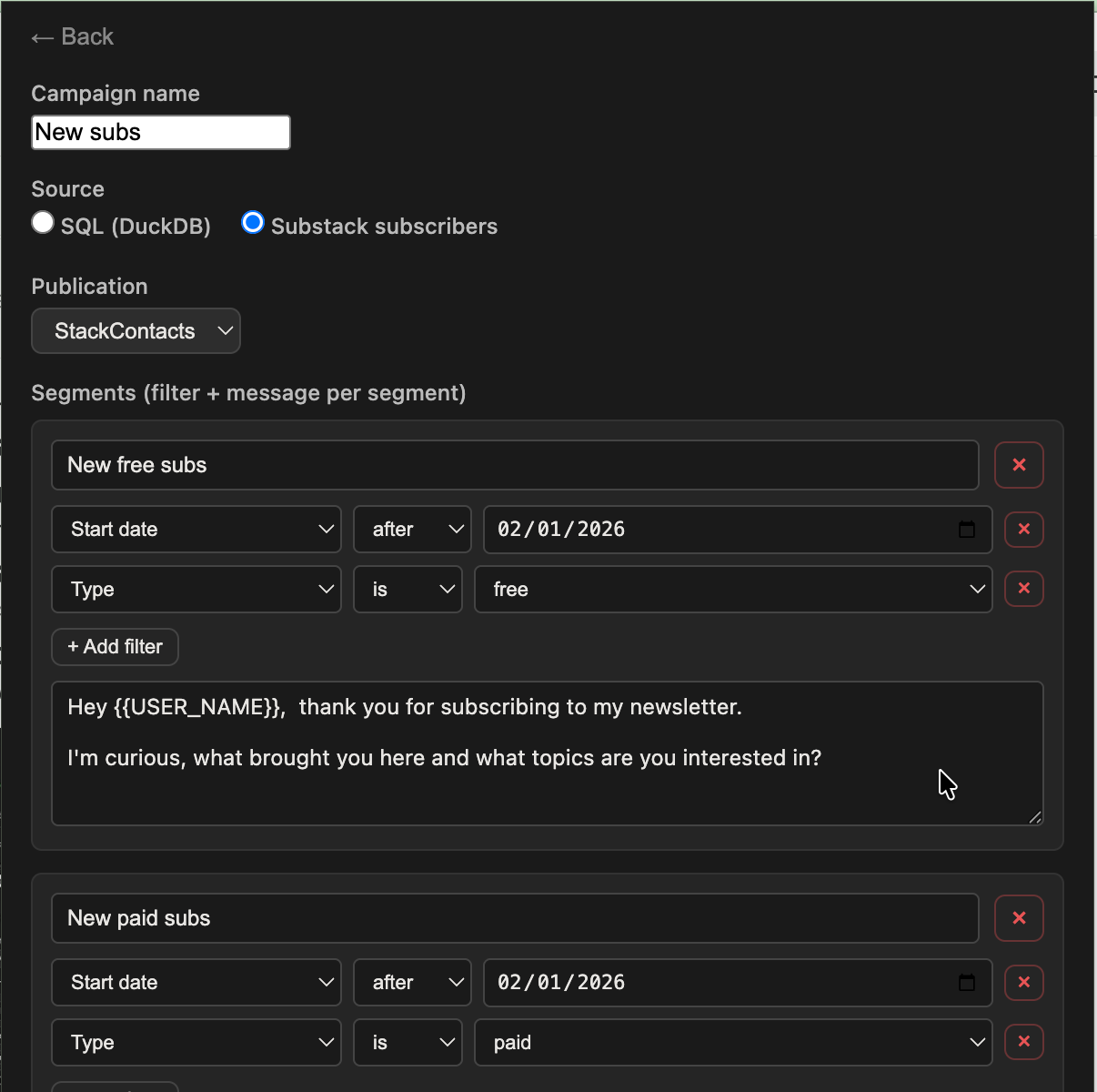
When to use which:
Email: Announcements, promos, weekly digest.
DM: Following up with engagers, welcoming new subs, and continuing a comment in the thread.
Email for broadcast; DM for dialogue.
Concrete use cases:
New-subscriber welcome (short hi + one question)
Comment follow-up (“saw your comment on X—”)
Re-engagement (e.g., haven’t opened in 30 days—check-in or offer).
Context and continuity
Substack Chat lives where they already are (reader app, web). No “which email was that?”—the DM thread is there.
StackContacts Connect helps you target the right people and avoid re-messaging (use Only Empty Chat); the thread itself lives in Substack Chat, so you can continue the conversation there.
From subscriber to relationship
Email grows the list; DMs grow the business (collabs, sales, referrals).
StackContacts Connect is the bridge: same audience, different channel, different outcome. Use it to message a slice of your list—e.g. everyone who opened recent emails or viewed posts—and measure replies versus doing the same ask via email.
Use Dictation + AI to scale the first message
“I’d DM more, but I don’t have time to write 50 personal openers.”
Typing each DM from scratch doesn’t scale; copy-paste feels spammy.
I use MacWhisper dictation to capture what I actually want to say (“I want to thank them for commenting on X and ask if they’ve tried Y”), then AI to turn that intent into short, personalized opener drafts using subscriber context (name, recent post they engaged with).
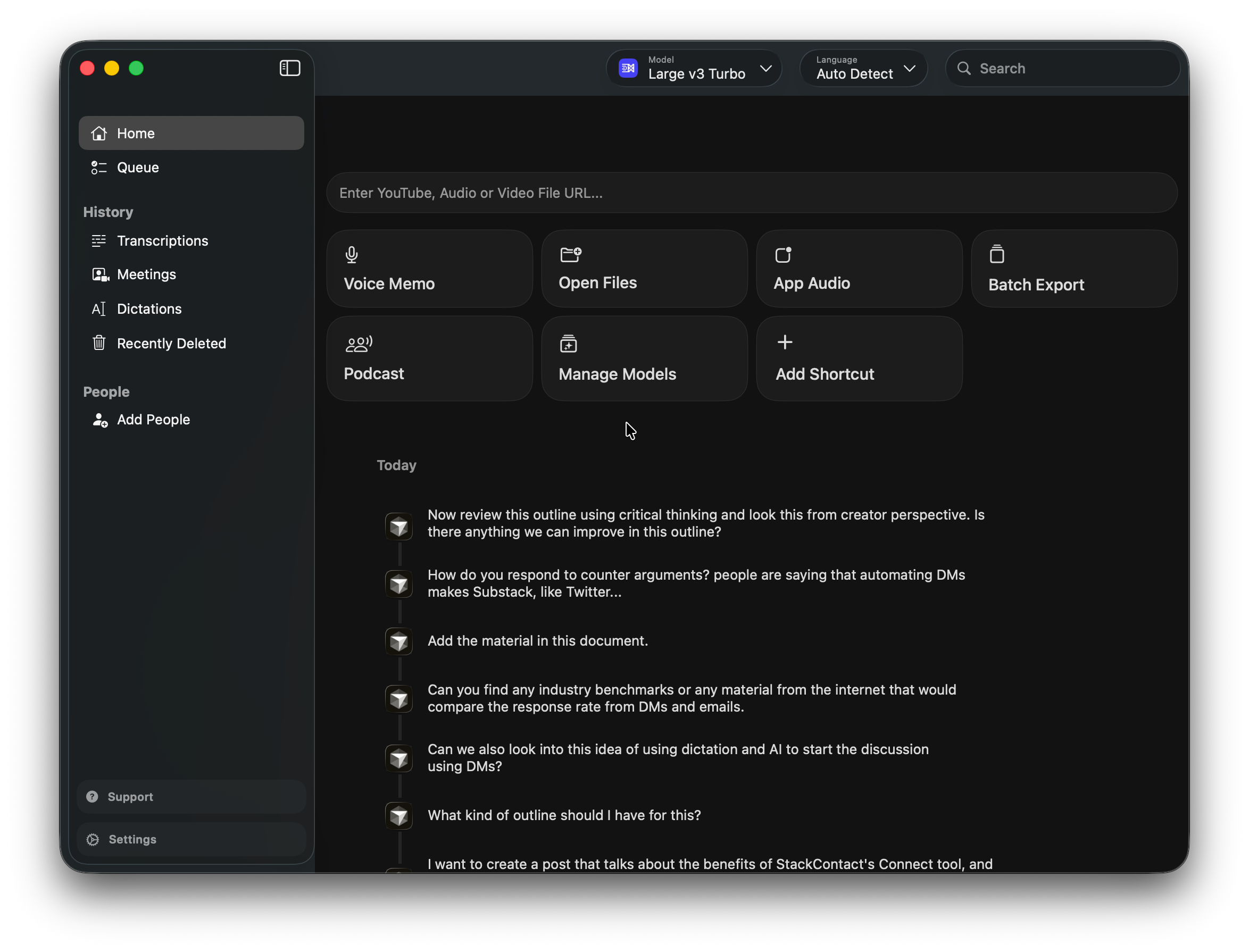
I edit and send via StackContacts Connect—so the thought is mine and personal, the message drafting is assisted.
DMs can stay human and conversational because the input is your voice and intent; AI just gets the first sentence on the page.
Mass email = one draft for everyone; dictation + AI + Connect = one intent, many personalized openers, you still choose who gets what.
Practical hook: “I dictate the vibe; AI writes the first line. I sent the DM.”
What about the “Twitter-ification” worry?
I get the concern: automating DMs could make Substack Chat feel like X/Twitter—noise, not conversation.
The difference: you’re only messaging your subscribers; they signed up for you.
You’re in the loop—you segment, you dictate intent, you edit or approve drafts, you send. Segmentation means relevance, not volume blast; you’re starting conversations with the subset that already raised their hand.
Tools that help you start more real conversations with people who already chosen to hear from you aren’t what turned Twitter DMs into noise. Cold, impersonal blasts to strangers were.
StackContacts Connect is the opposite: warm, segmented, and you’re still the one talking to your subscribers.
Key takeaways and what to do next
Your list is an audience until you talk to them.
StackContacts Connect + DMs turn subscribers into conversations; email alone keeps them at arm’s length.
If you haven’t tried StackContacts Connect yet, start with the basics from last time—one form, 50 per run, {{USER_NAME}}, Only Empty Chat.
Then use this post: pick one segment that fits your tool (e.g. new signups, recent engagers, or—if your Substack data supports it—people who arrived via a share/referral and have opened or viewed posts), send a short, genuine DM (no pitch), and count replies.
Start small; scale the approach when it works. If you’re comfortable with AI, try the dictation + AI flow: dictate one intent, get 5–10 personalized opener drafts, send a few via StackContacts Connect, and see who replies.
StackContacts Connect is for newsletter creators who want to reach their subscribers personally—without grinding through the chat UI one by one and without turning into a spammer. If that’s the gap you’re in, it’s worth a look.
— Finn
More creator tools and guides: Gumroad store.
If this resonated, subscribe or drop a comment—I read them all. And stay within Substack’s guidelines: personal, relevant direct messages to your own list, not mass automation.
Hey Sola,
That is an excellent question. If reader follows you, is that a permission to engage (like subscription is), or should you just follow back? At what point a DM is acceptable way to engage?
I know from LinkedIn that I get unsolicited DMs constantly and it is annoying. So my first reaction would be negative. But Substack is different and has different rules ( some unwritten) so I don't really know the answer.
So, Finn, does this work on top of StackContacts for doing the research of who commented on a specific post, for instance. Or does this extension do that as well? Thanks. Blue